v0.1.0 betaNot a host. A tool for the hosting you already use.
Website on Vercel. Backend on Railway. Database on Neon. Worker on Cloudflare. Hoista brings it all together so your agents can deploy, monitor and manage it from your computer or your own hosting platform.
curl -fsSL https://hoista.dev/install.sh | sh -s -- v0.1.0-beta.3
Works with the agents you already use, and the hosts you already pay
Any framework. From a folder on your laptop or a GitHub repo.
No servers to learn and no dashboards to click through. You connect a hosting account once, then your agent deploys and comes back with a link.
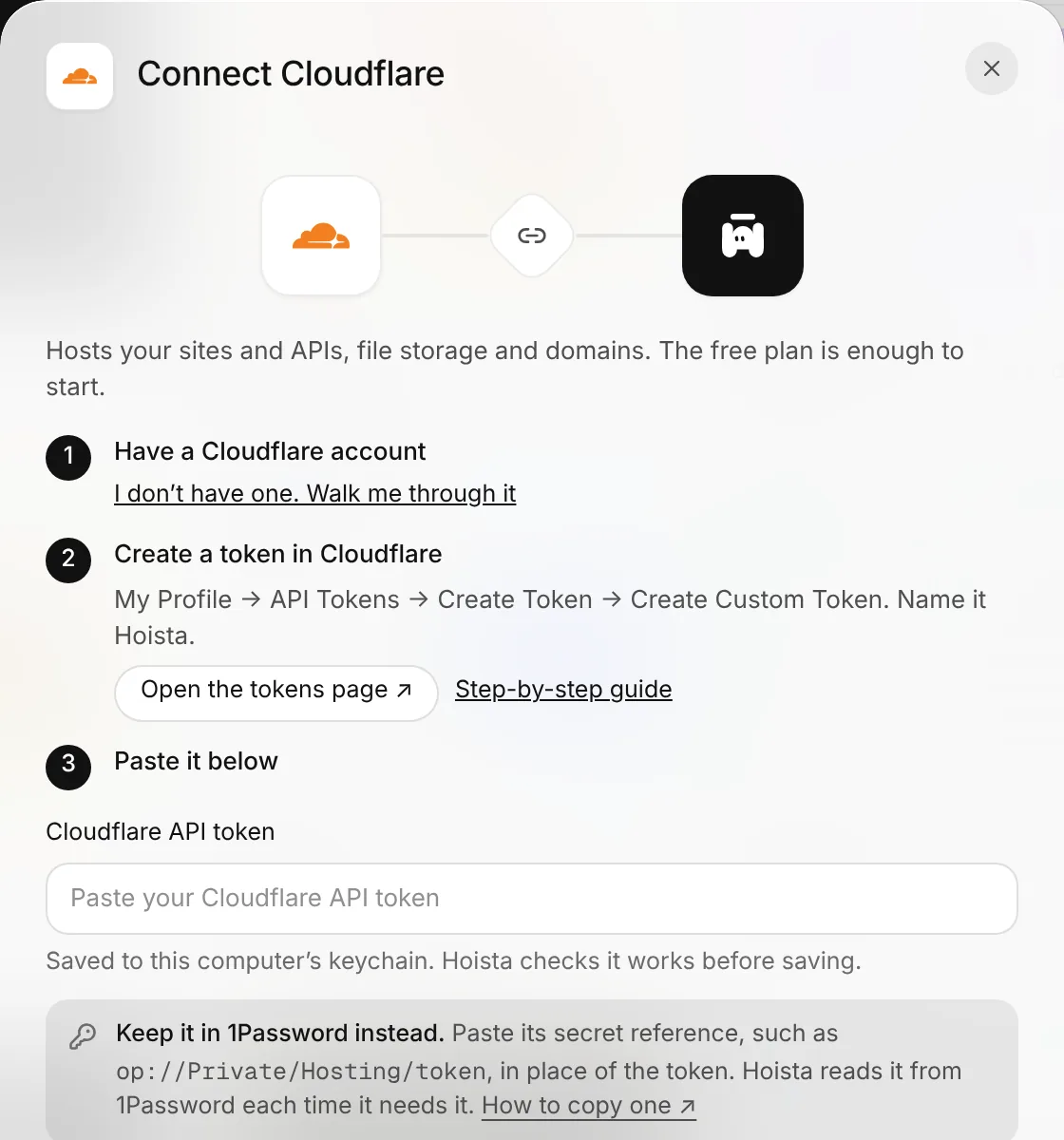
Paste a token from your host, and Hoista finds every app on that account. Never used a host? Hoista walks you through signing up and getting a token.
“Deploy this app with Hoista.” Your agent plans it and ships it to the accounts you connected.
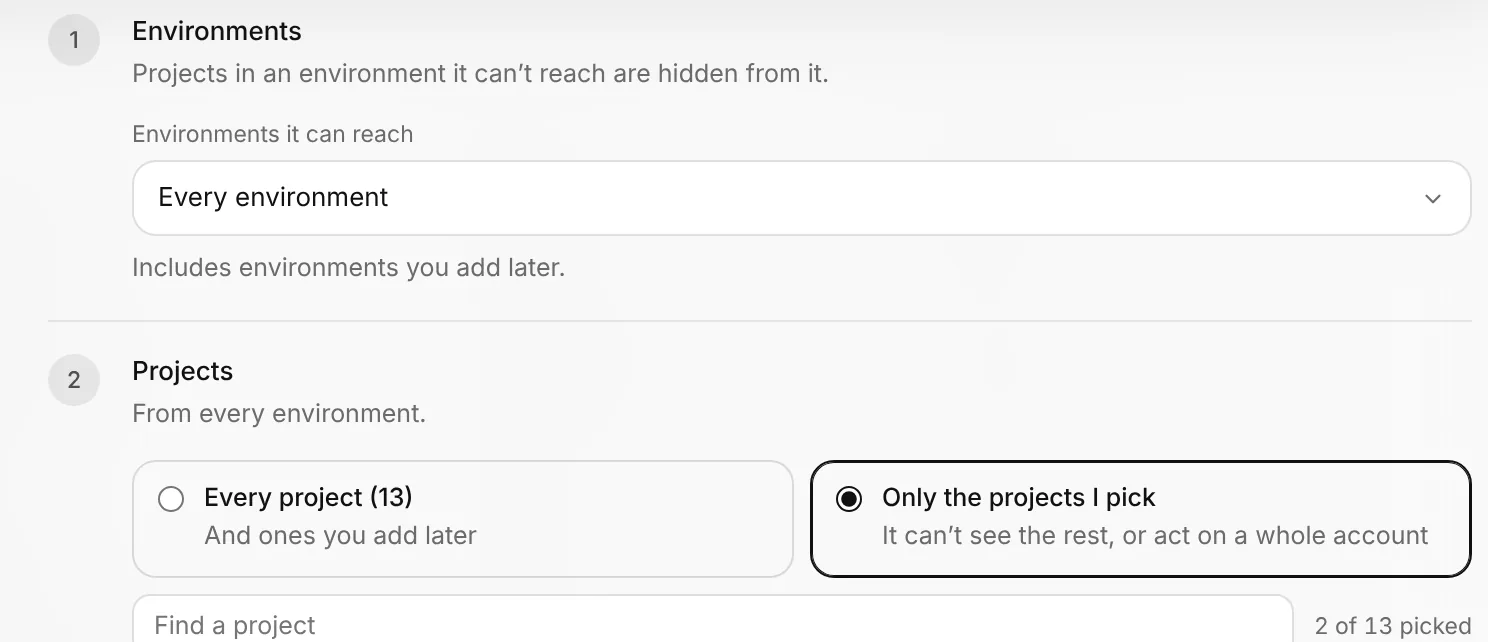
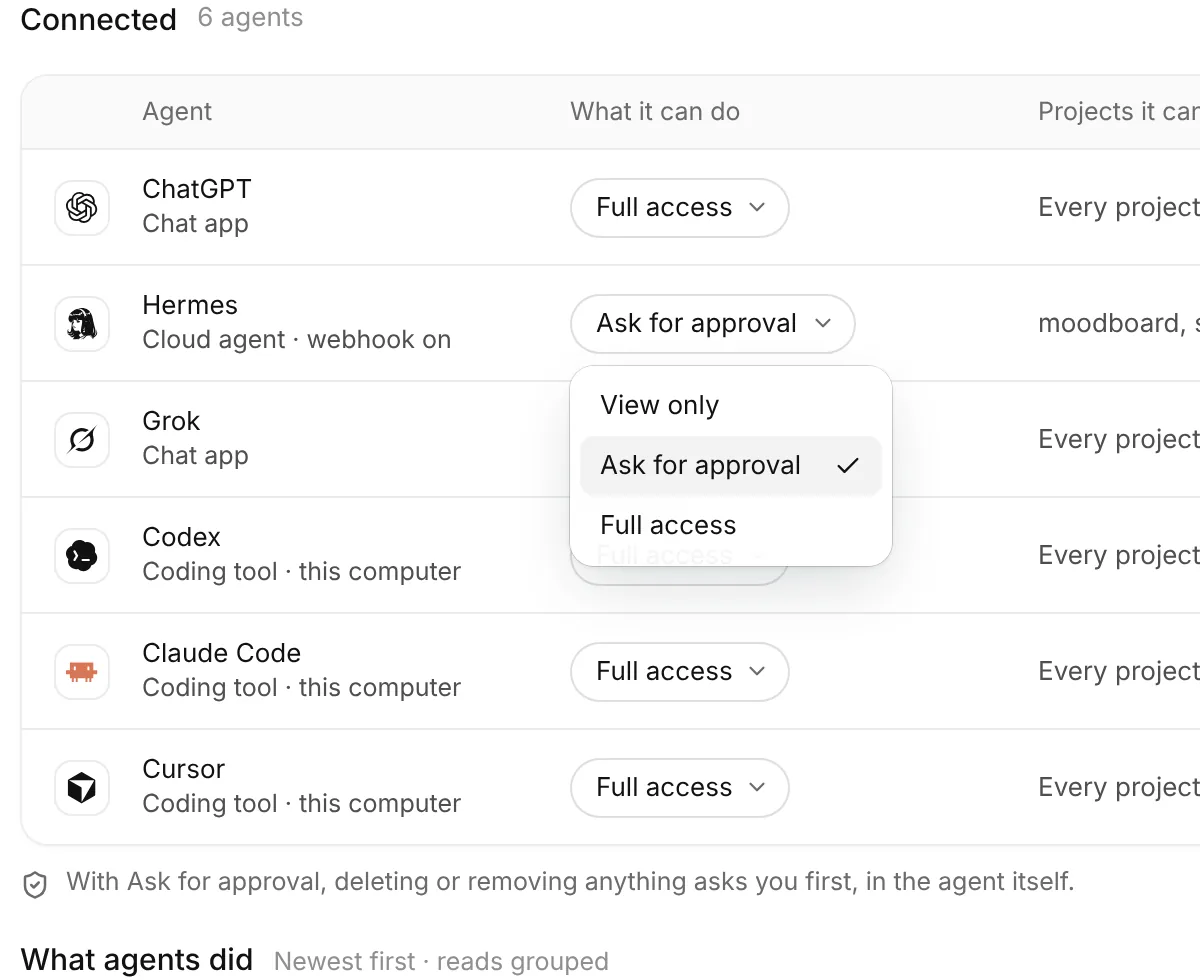
Set an agent to Ask for approval and anything that deletes or removes asks you first, right in the agent, with its reason.
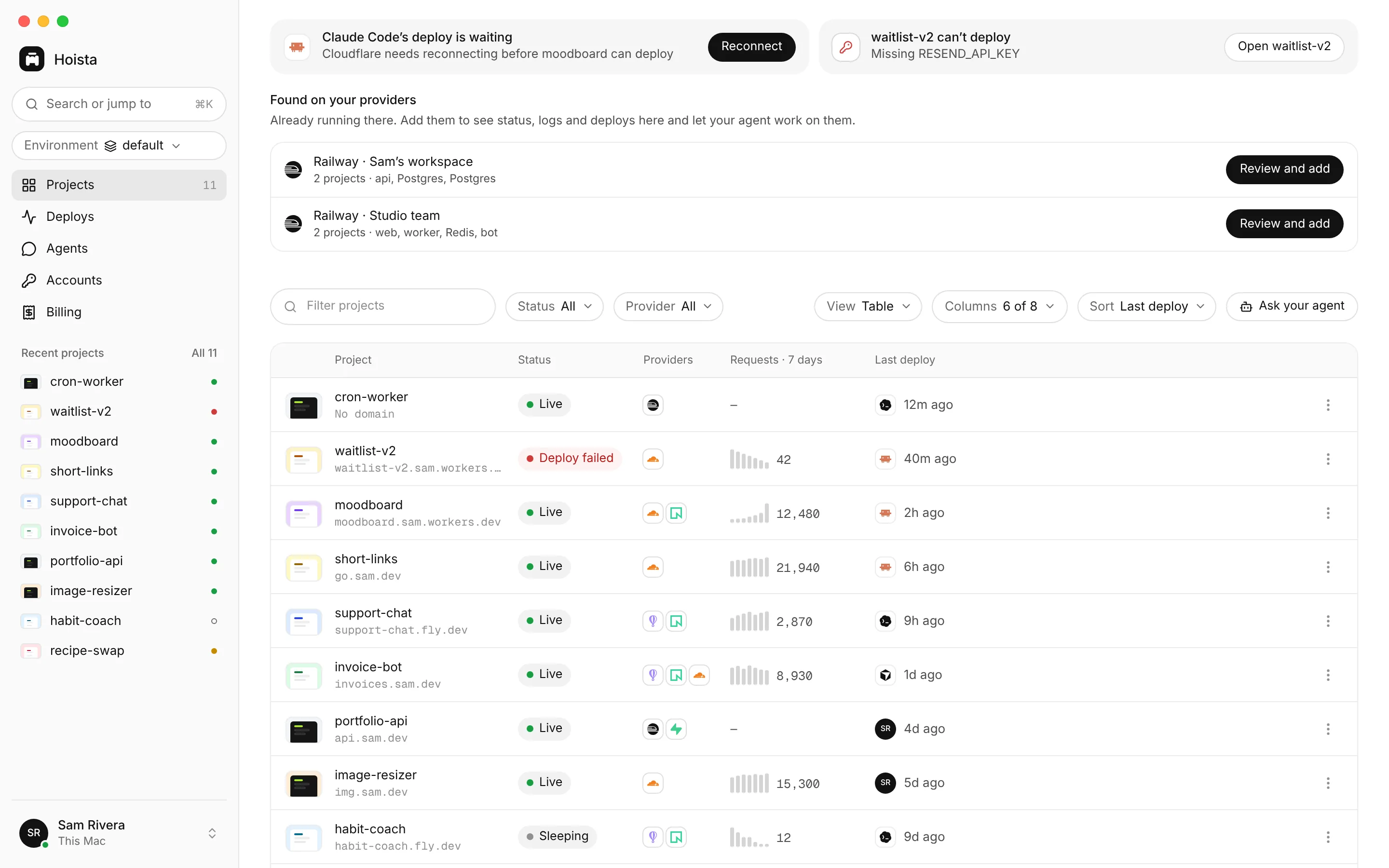
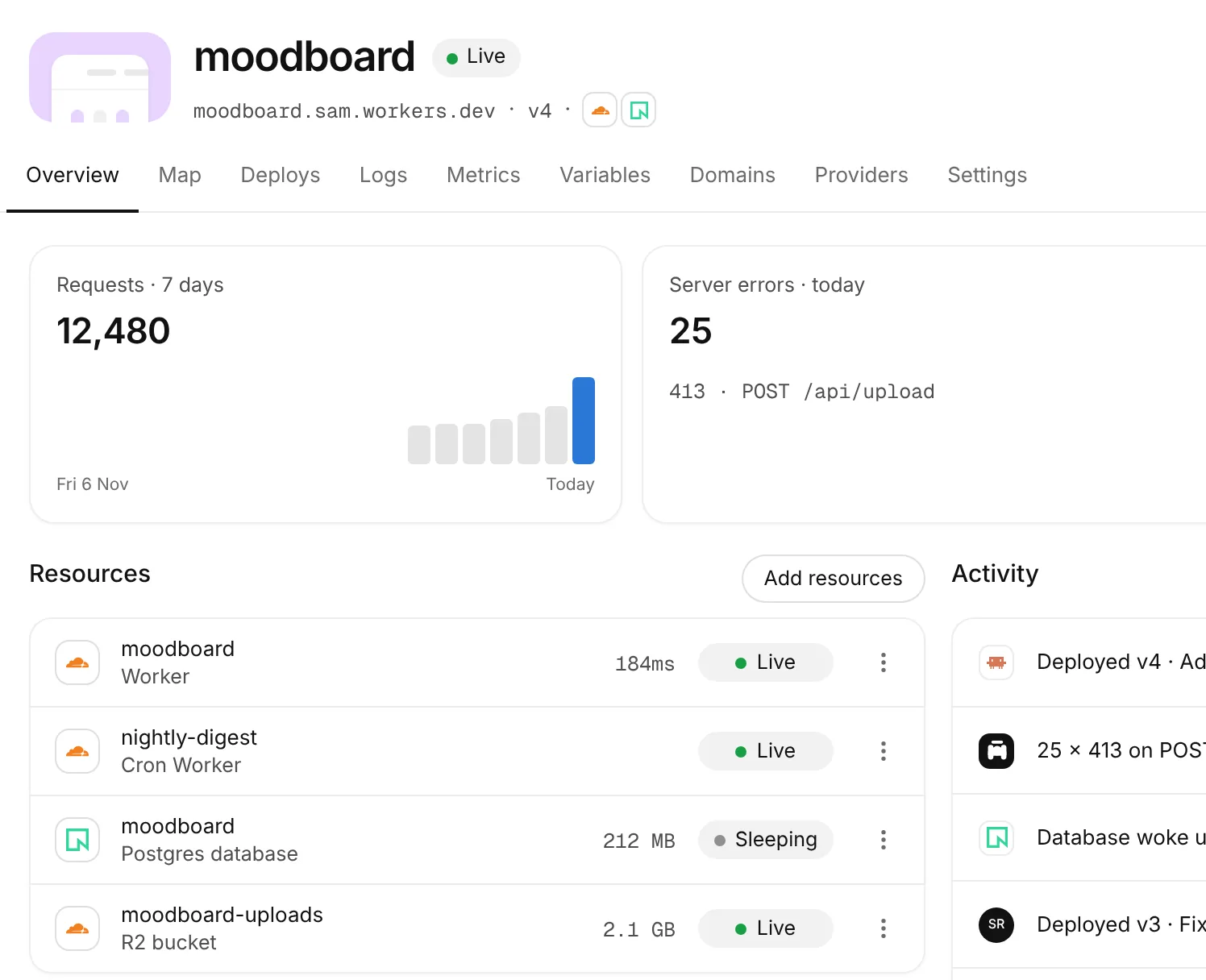
Hoista Desktop shows every app across your hosts, and what each host has billed you so far this period. Click around yourself, or let your agent do it. It can do everything you see here.
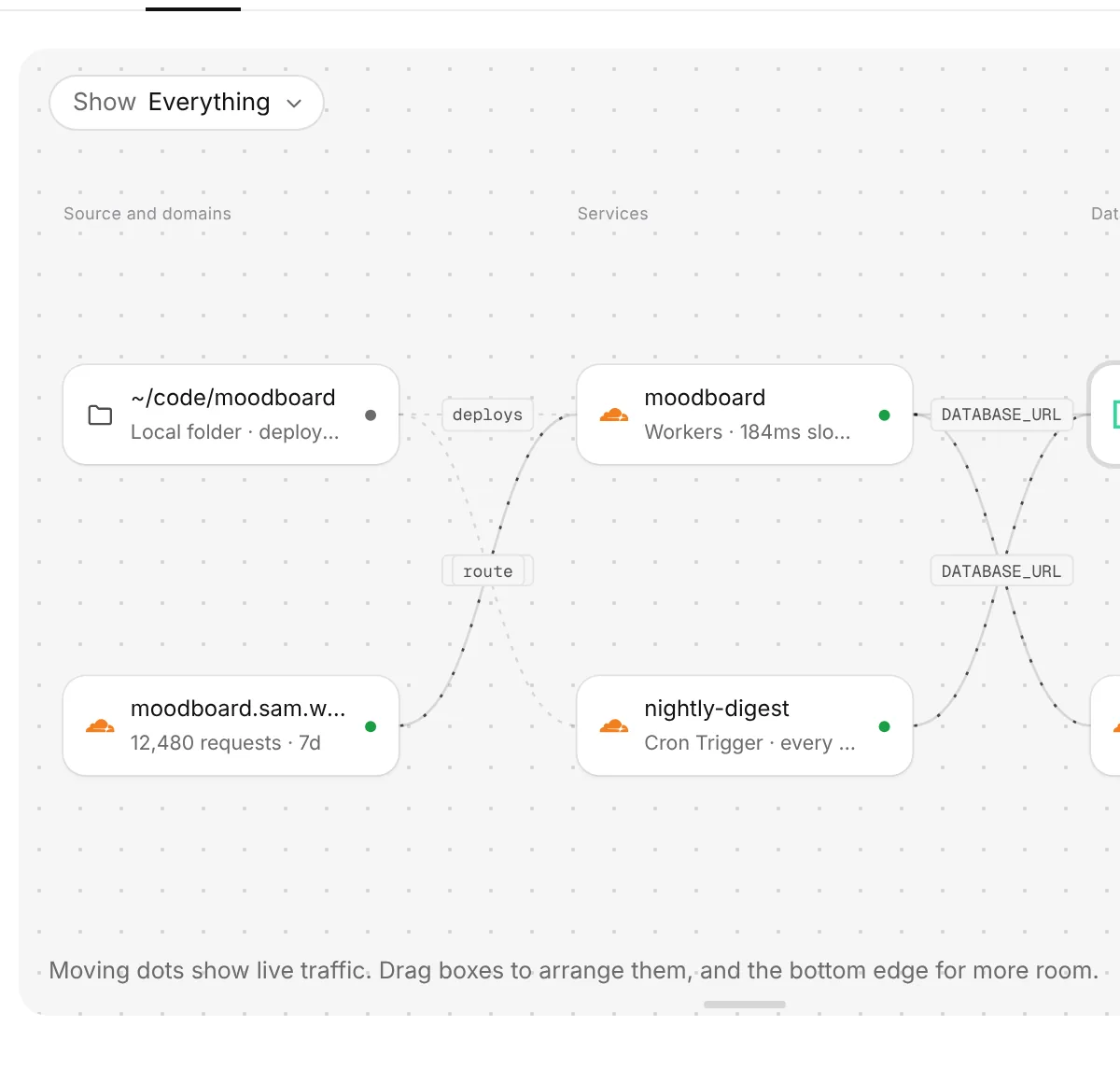
Your site, its database and your agents, with live traffic between them.
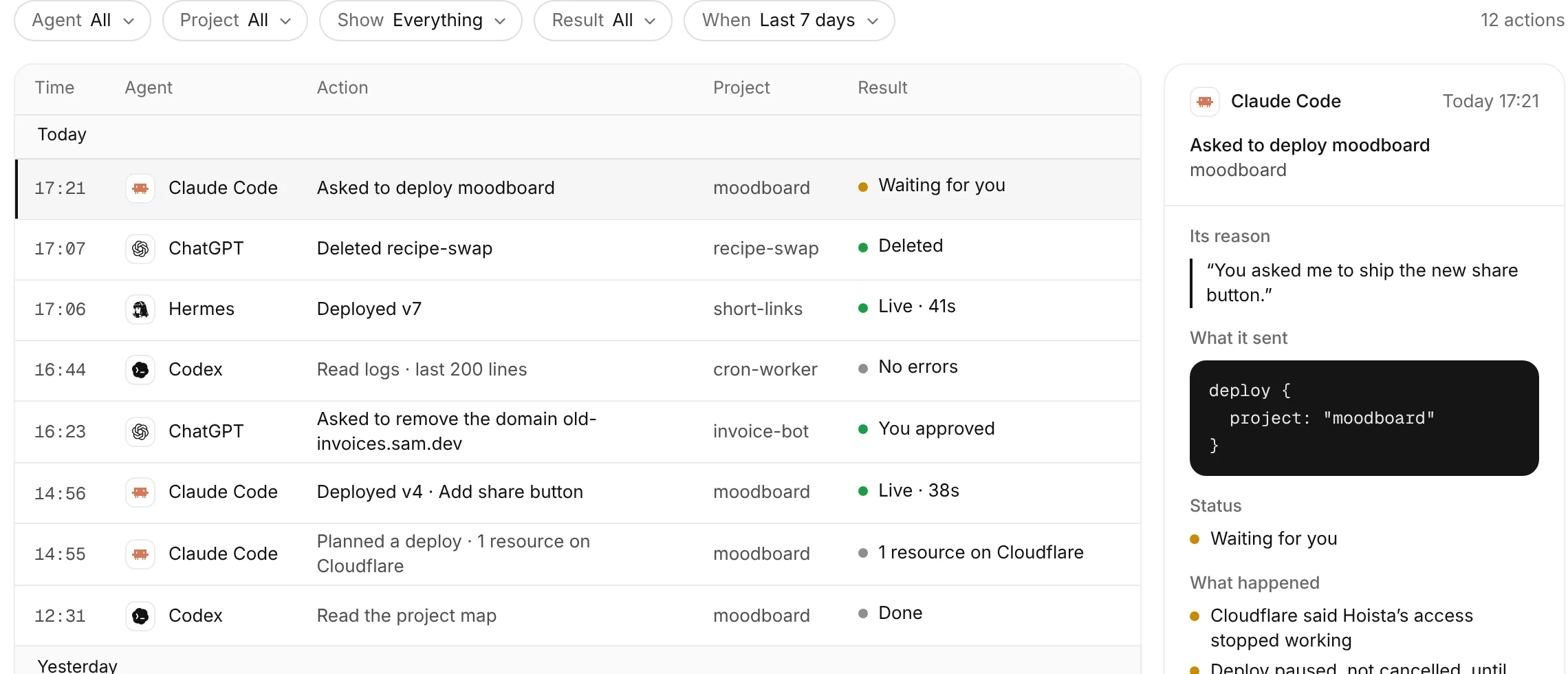
What each agent asked for, why, and what happened. Kept on your computer for a year, or as long as you choose.
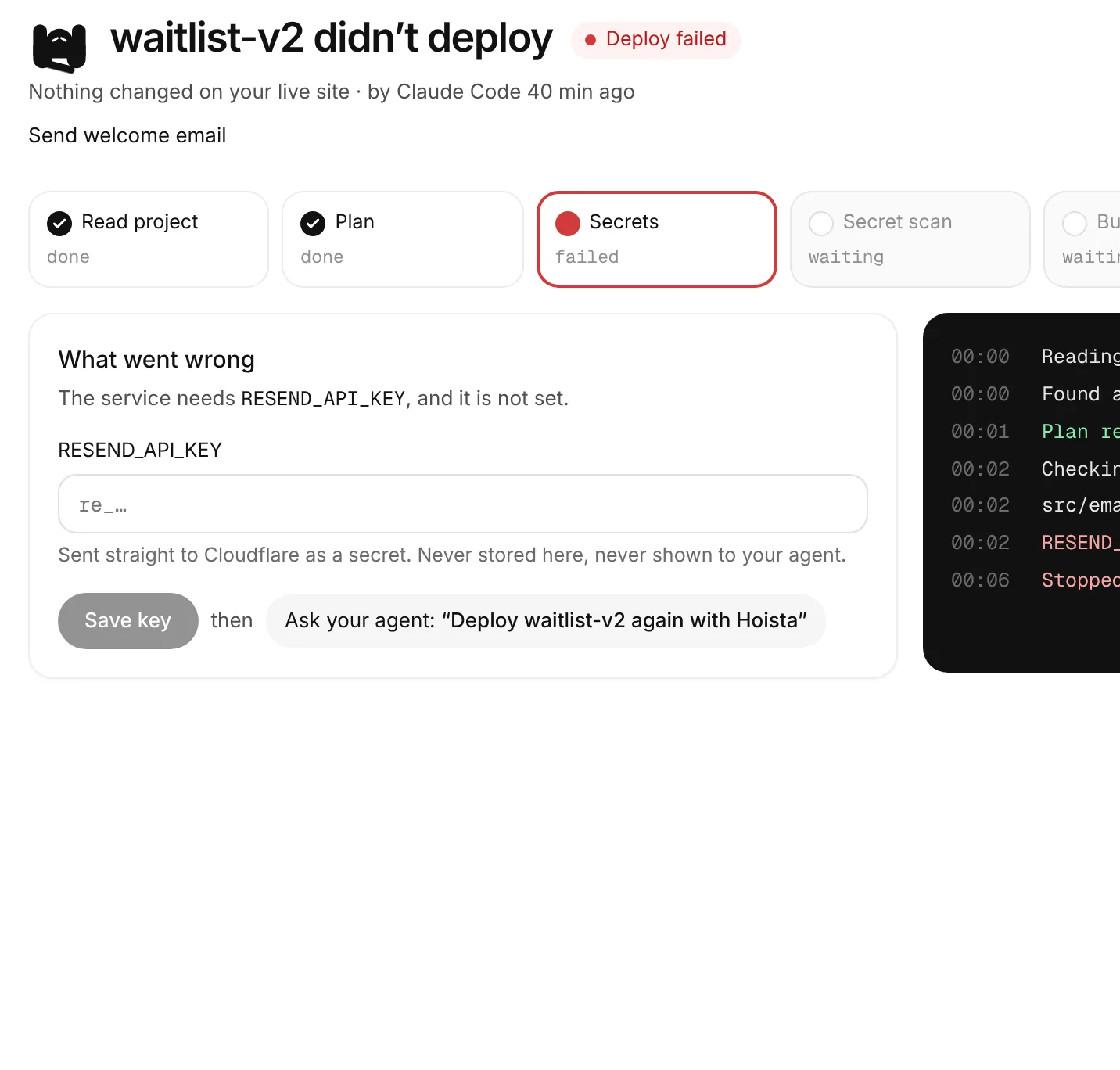
What went wrong in plain words, and the one thing to do about it.
Choose what each agent may do, which apps it can reach and when its access ends.
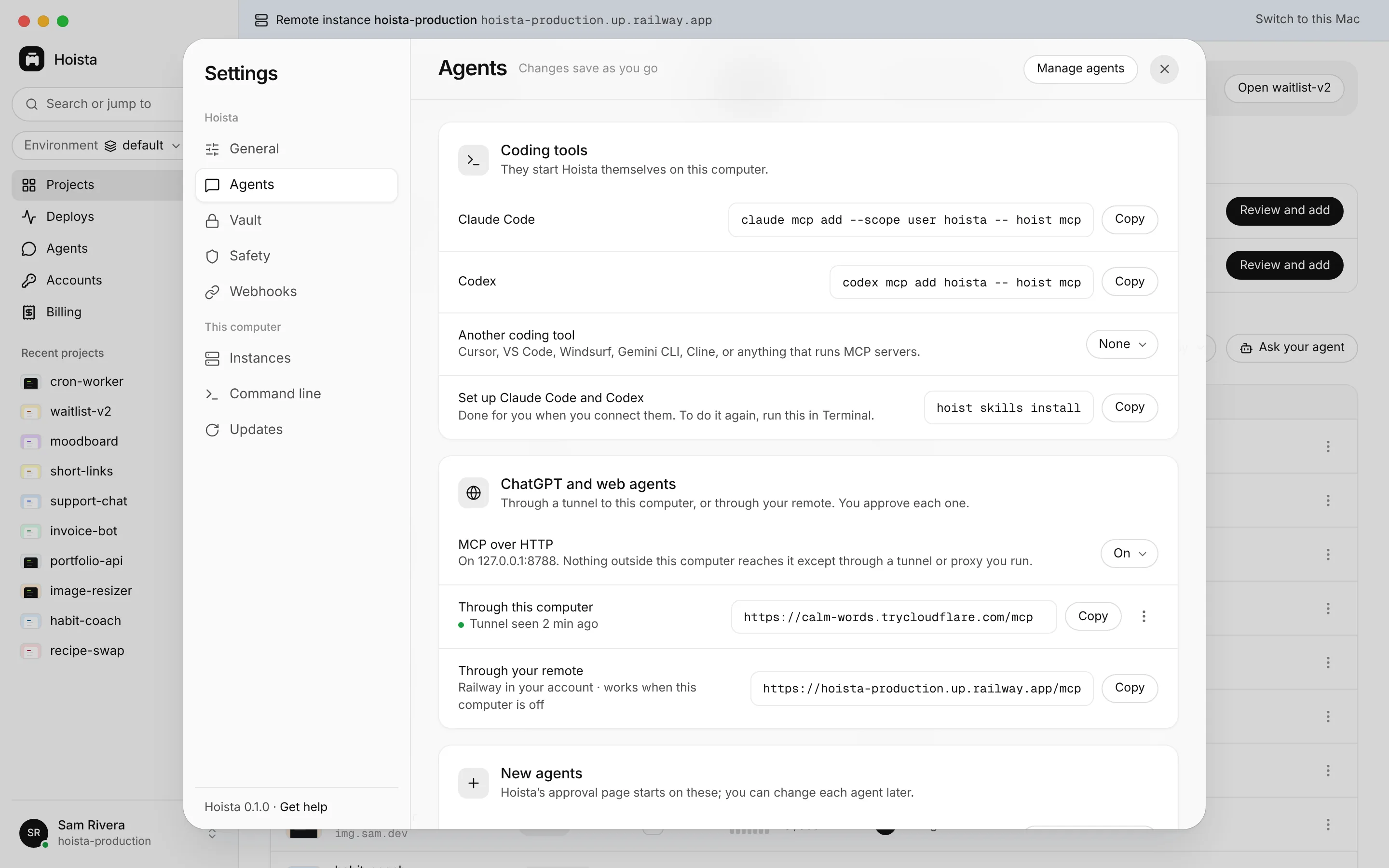
Coding tools on your computer talk to Hoista directly. To reach Hoista from ChatGPT or a cloud agent while your laptop sleeps, Hoista puts a copy, your remote, on your Railway or Fly.io account.
Use the hosts you already have, side by side in one app. Hoista works the same with each, and you pay your hosts directly.
Sites, APIs, servers and cron jobs
Postgres, storage and more
Domains and the emails you send
GPU pods, endpoints and serverless Python
Deploy when you push
Four commands. Then Claude Code does the rest.
A recorded session with example names. Every command is real; the installer needs cosign.
Hoista speaks MCP, the standard way AI tools connect to apps. Set it up once and your agent can see, deploy and fix your apps.
Run this once in your terminal. Works even when Hoista’s window is closed.
claude mcp add --scope user hoista -- hoist mcp
Point a tunnel at port 8788 on your computer, or set up a remote, then paste your Hoista URL into the app’s connector settings. You allow each one first.
https://hoista.yourdomain.com/mcp
No. Connect Railway, Vercel or Cloudflare and your apps stay where they are. Hoista only reads until you choose to manage one.
Claude Code, Codex and Cursor on your computer. ChatGPT, Claude, Grok and cloud agents like Hermes through your remote. Anything that speaks MCP.
No. Hoista runs on your computer and talks to your hosts directly. There’s no Hoista account and no Hoista server. Your remote runs on hosting you’ve connected, in your own account.
Risky actions wait for your approval, and each agent has its own limits on what it can do and which apps it can reach. Every action is recorded.
Usually just one host to start. Hoista tells you when an app needs another account and walks you through it.
Hoista is free. You pay your hosts directly for what they run, and Hoista shows what each one has billed you this period, side by side. A remote runs on one of your hosts, like any of your apps.
Download Hoista, connect one host and ask your agent to deploy something. It takes about five minutes.